Skip to content
airaptrend.

FIND YOUR SCENE

AI rap video templates.

Browse solo and duo performances, then prepare a recreation with your fictional adult characters.

Watch AI rap video templates on the home page ↗

Recording studio duo template preview

2 CHARACTER ROLES

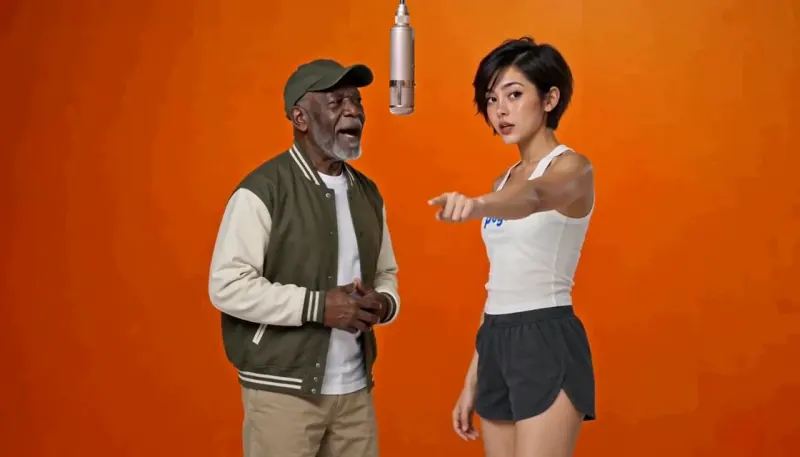
Recording studio duo

Two performers share a recording studio. Among our AI rap video templates, this reference has two distinct roles, so prepare a fictional adult character image for each position. The preview gives you a way to inspect the framing and the interaction between the performers before opening the workbench. Choose this format when the relationship between the two characters is the focus of your idea. The current selection and the workbench determine the actual model settings, quote and availability. Your result may differ from the reference performance.

Prepare this template ↗
Dockside duo template preview

2 CHARACTER ROLES

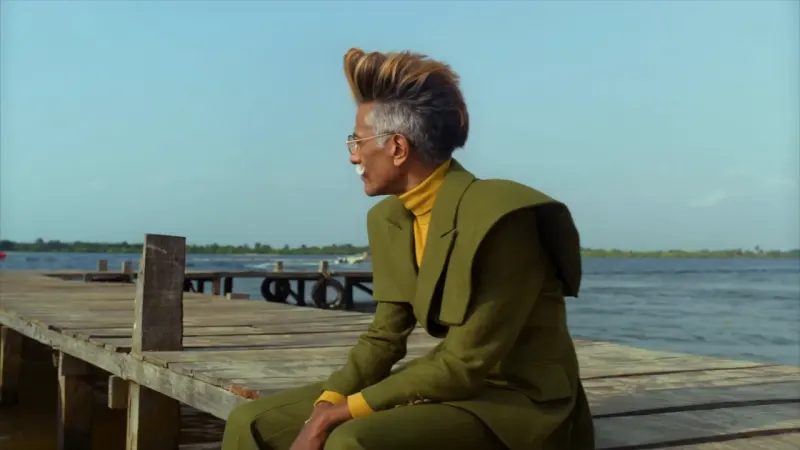
Dockside duo

This two-character performance takes place by the water. The reference includes two distinct character positions and a longer performance format, so look carefully at the roles when choosing your images. Use authorized fictional adult characters for both positions. The existing template setup provides the starting settings for its supported model; inspect those settings and the current quote before you continue. Selecting this card prepares a scene on the home workbench. It does not create a video, start a payment or promise that the model is available.

Prepare this template ↗
Street solo template preview

1 CHARACTER ROLE

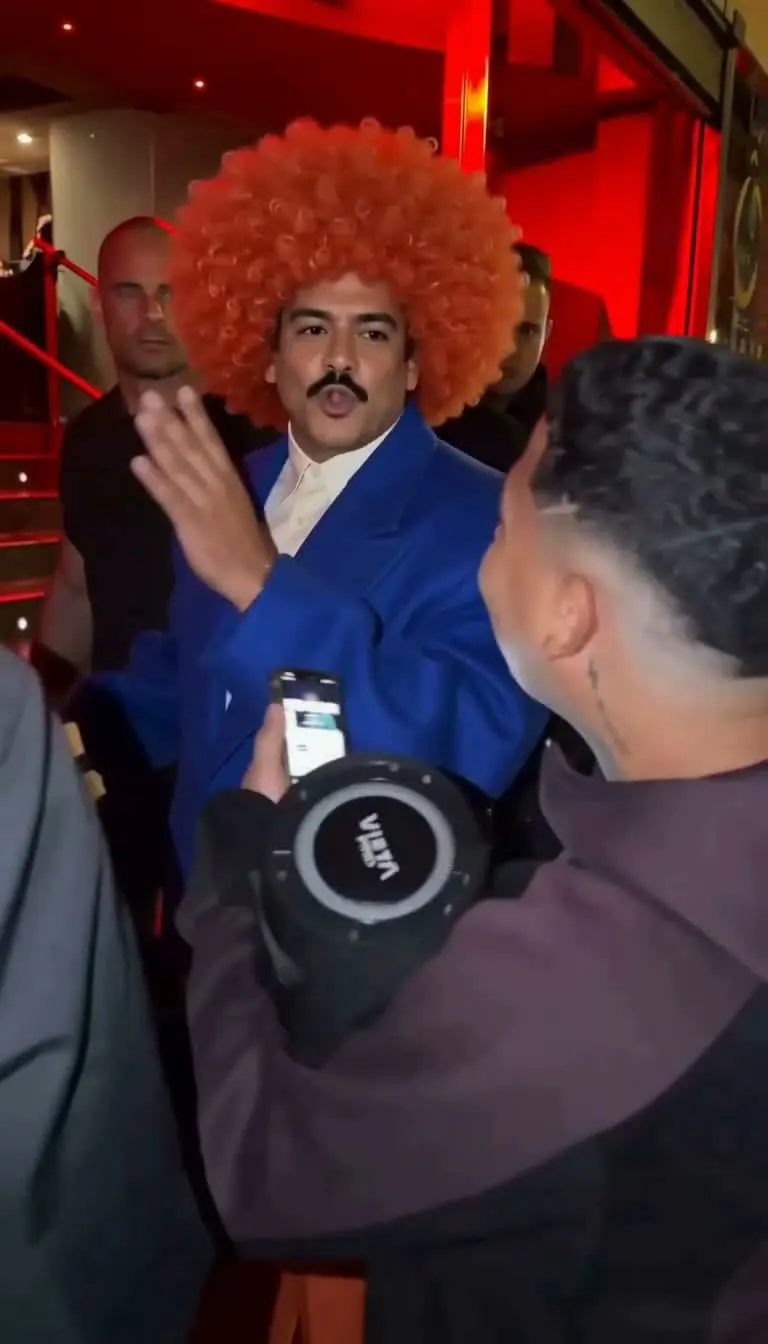
Street solo

A vertical frame gives this high-energy solo a distinct look among the AI rap video templates. You only need to prepare the main character role shown in the recreation setup. A clear fictional adult character image makes it easier to understand which appearance you want to use. The template preview presents the reference format, while the final generated motion, face and framing can vary. Review the model choice, prompt, permissions and current price in the workbench before making any explicit purchase or generation request.

Prepare this template ↗
Spotlight solo template preview

1 CHARACTER ROLE

Spotlight solo

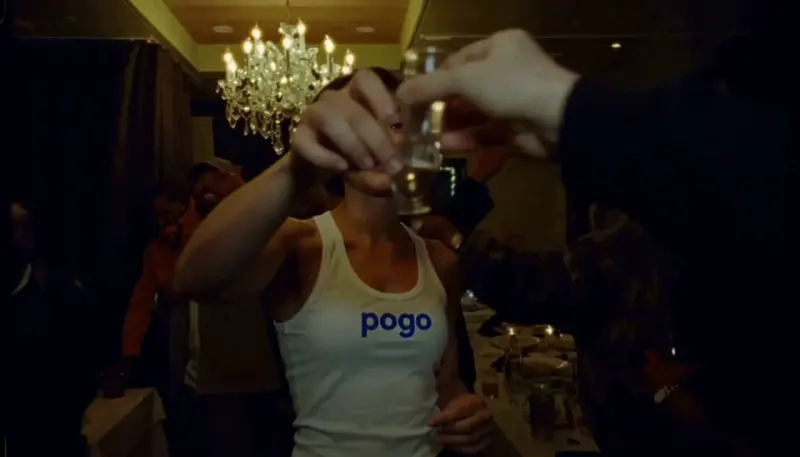
Warm light and a wide frame give this solo a cinematic feel. This format has one main character role, making it a useful choice when you want the viewer to follow a single fictional performer. Look at the reference before selecting it and consider whether the character image works with the framing. The preview is the source format, not an example of a completed result for your own image. Available settings, generation and payment options are shown in the workbench.

Prepare this template ↗

Compare AI rap video templates

Frame and length describe the reference preview; your selected model determines the available output settings.

SceneRolesReference frameReference length
Recording studio duo2WideAbout 15 seconds
Dockside duo2WideAbout 28 seconds
Street solo1VerticalAbout 15 seconds
Spotlight solo1WideAbout 15 seconds
THE TEMPLATE GUIDE / 01

How the templates are organized

These AI rap video templates begin with an existing reference performance. Each card shows a different setting and identifies whether the scene uses one or two character positions. The reference gives you a visual starting point: it can help you compare a solo scene with a duo, or a close performance with a wider composition. The character images you supply are separate from the reference. Your finished result can differ in appearance, motion, timing and other details, even when the same template is selected.

THE TEMPLATE GUIDE / 02

Choose a format before choosing a character

Start by asking what the viewer should notice. A solo performance gives one fictional character the focus, while a duo makes the relationship between two positions part of the composition. Watch the relevant AI rap video templates on the home page and compare their framing. If the action depends on two roles, prepare two distinct images so that you can identify which character belongs in each place. If a scene has one role, there is no need to add an unrelated second image. The workbench explains the required roles for the template you select.

THE TEMPLATE GUIDE / 03

Prepare fictional adult character images

Use fictional adult characters and only images that you have the right to upload and process. These AI rap video templates do not support real-person photographs, impersonation or public-figure likenesses. Clear, unobstructed references help you tell the positions apart. Avoid adding private information or unrelated material to an image. Guests can prepare images for the current task; signed-in users may also be able to use a private character library when storage is available. Selecting or saving an image does not start a generation.

THE TEMPLATE GUIDE / 04

Match each image to the right role

Check the workbench labels and decide which character belongs to each position. In duo AI rap video templates, those labels describe roles in the selected reference; they are not a claim that the generated character will behave identically to the original performer. If you change an image or account, review the declaration again. The declaration confirms the character and usage requirements for the images in the current setup. It must be completed before the applicable quote, payment or generation action can continue.

THE TEMPLATE GUIDE / 05

Review the available model and settings

Start by checking the model and reference settings. AI rap video templates can use different models, and some options may be unavailable or limited depending on their current launch state. Inspect the actual workbench rather than assuming that every resolution, duration or aspect ratio is supported for every template. The reference length and frame describe the source preview; they do not guarantee identical generated duration or framing. The final prompt and settings are presented for review before you proceed.

THE TEMPLATE GUIDE / 06

Understand the quote before you pay

Check the workbench for a reliable quote before choosing between AI rap video templates. A recreation can cost a different amount from an original video, a song or a credit plan. Compare the per-creation quote with the payment method you intend to use and check the final checkout details if paying cash. A displayed plan or template is not proof that a particular model or payment option is currently open. No charge occurs just because you browse this directory or select a template.

THE TEMPLATE GUIDE / 07

Template recreation and original creation

Recreation and original creation begin differently. AI rap video templates start with a reference performance and assigned character images; original creation starts with your own scene, description, mood and fictional characters. They are separate workflows and can use different model options, prices and review steps. If you have a specific scene in mind without a reference performance, try the original video workbench. If you want an MP3 rather than a visual performance, the song workbench is the relevant place to begin.

THE TEMPLATE GUIDE / 08

Review results from AI rap video templates

Before sharing, check the characters, performance, sound, timing and words. A finished result can vary from the reference and from your expectations. Avoid requesting a real person’s likeness, a known artist’s voice or material that you do not have the right to use. A further attempt is a new generation and can require a new payment or credit quote. Generated outputs have a limited access period; review the current task and privacy information for details.

THE TEMPLATE GUIDE / 09

Preview AI rap video templates before choosing

The directory includes two duo references and two solo references. A duo asks you to identify both character positions; a solo has one main performer. Beyond the number of roles, consider the frame: the street performance is vertical, while the recording studio, waterside scene and cinematic solo use wider source frames. These describe the reference clips, not guaranteed output settings. Open a preview on the home page to inspect its movement and timing. The recording studio reference is about fifteen seconds, while the waterside reference is longer; these are source lengths, not promises about a generated file. Once you have chosen, check which character belongs in each position and review the actual model options. If the reference is not the kind of performance you want, an original scene may give you more room to describe a different setting.

THE TEMPLATE GUIDE / 10

Availability can change

A preview helps explain a format. It does not guarantee that AI rap video templates, every model, cash payment or credit use are available for generation. The workbench communicates the current status of the selected route. If it cannot obtain an availability result or a current quote, wait for that information before proceeding. You can return to this directory and compare the other references without starting a job. Your existing drafts and account resources follow the rules shown in their respective workspaces.